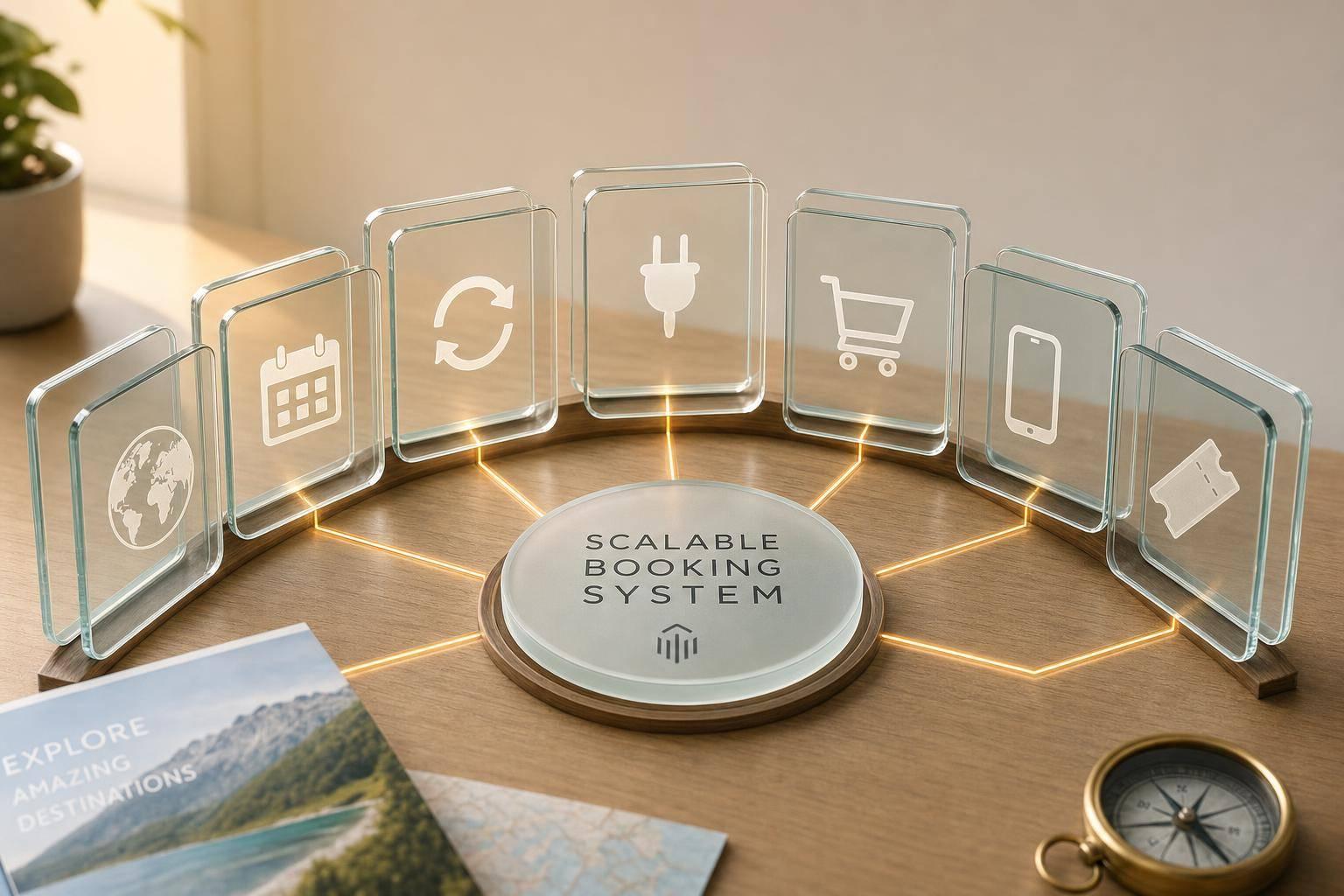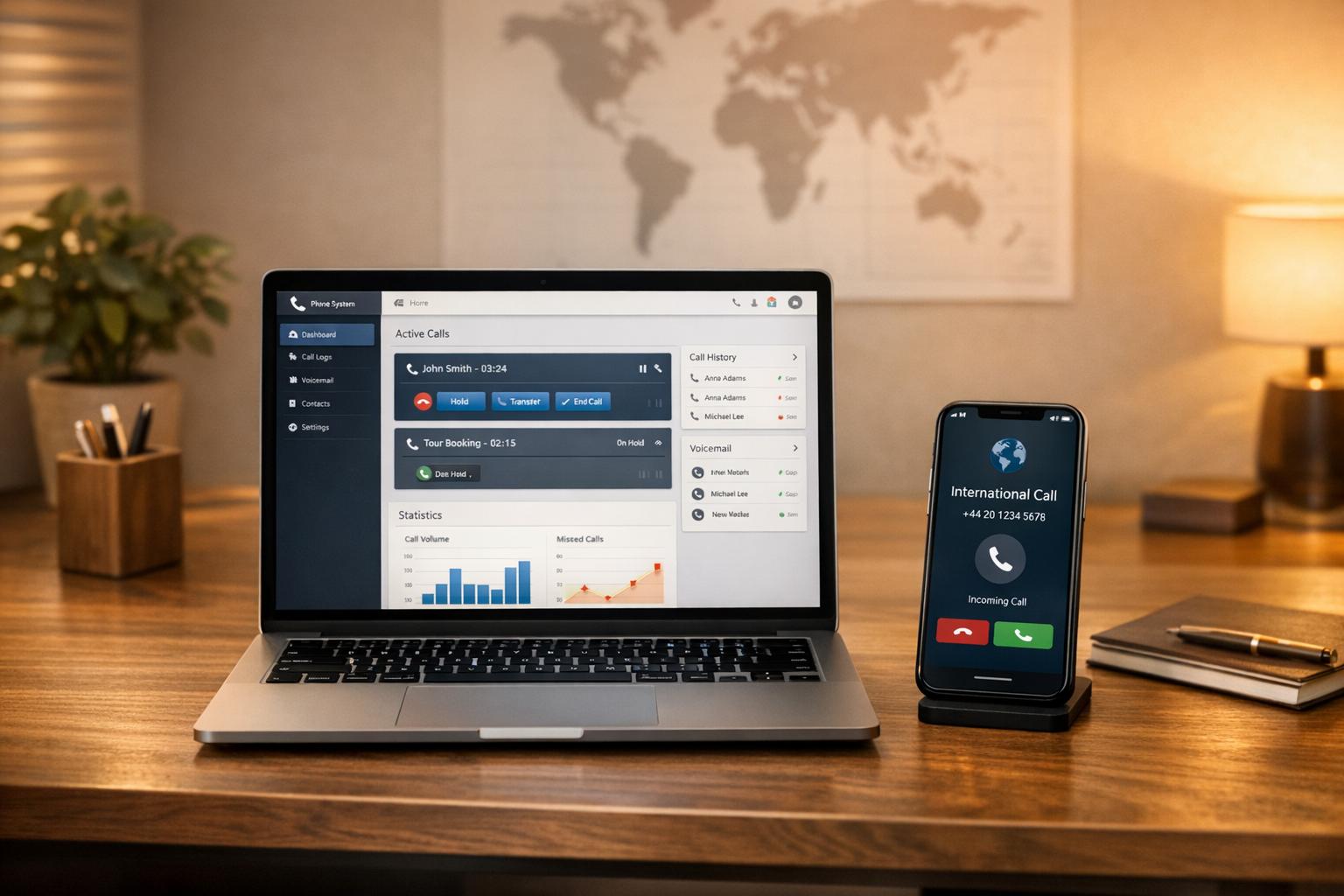

A Point of Sale (POS) system is a combination of hardware and software that helps businesses process payments, manage inventory, track bookings, and analyze operations. For outdoor tour operators, it addresses common challenges like unreliable internet, manual record-keeping, and equipment tracking. Modern POS systems are portable, durable, and designed for remote locations, improving efficiency and customer experience.
Key Benefits for Outdoor Tour Operators:
- Mobile Payment Processing: Accepts cards, digital wallets, and cash in remote areas.
- Offline Functionality: Works without internet and syncs data later.
- Real-Time Inventory Tracking: Prevents double bookings and tracks gear across locations.
- Integrated Booking Systems: Automatically links online reservations with customer preferences.
- Centralized Reporting: Provides insights into sales, popular tours, and inventory needs.
- Improved Staff Coordination: Syncs schedules and updates across multiple locations.
Problems Solved by POS Systems:
- Eliminates delays caused by cash-only or outdated payment methods.
- Reduces lost or misplaced gear with digital inventory tools.
- Simplifies scheduling and minimizes booking errors.
- Enhances customer satisfaction by shortening wait times and ensuring equipment availability.
If your business faces challenges like managing payments in remote areas, tracking equipment, or handling bookings efficiently, a POS system could transform how you operate. Look for features like weather-resistant hardware, offline capabilities, and multi-location support to ensure it meets your needs.
How to get started with Regiondo POS?

What Is a POS System and How Does It Work?
Let’s dive into how a POS system works and why its features are essential for outdoor tour operators.
A Point of Sale (POS) system acts as the central hub for your business, managing transactions and streamlining operations. Modern POS systems go beyond simple payment processing - they’re all-in-one platforms that handle inventory, customer relationships, and provide real-time insights that are especially useful for outdoor businesses.
Picture a POS system as the glue that holds your operations together. When a customer books a tour or purchases gear, the system processes the payment, updates inventory, logs customer details, and generates reports you can use to make informed decisions.
What makes this possible is the seamless integration of hardware and software. The hardware captures transaction details, while the software processes and stores the data securely, making it accessible for analysis. Understanding this synergy lays the groundwork for exploring the essential parts of a modern POS system.
Main Parts of a POS System
A POS system is made up of several key components, each playing a role in creating a complete business solution. Here’s a breakdown:
- Hardware: This includes devices like tablets or terminals, card readers for chip and contactless payments, portable receipt printers, and scanners for tickets or equipment checkouts. For outdoor operators, weather-resistant and durable hardware is a must, ensuring reliable performance even in remote or rugged locations.
- Software: The software is where the system’s true potential shines. It powers daily operations, tracks inventory like gear and tour availability, stores customer data such as contact details and purchase histories, and provides reporting tools to analyze sales trends, popular tours, and overall financial performance.
- Connectivity: Reliable connectivity is critical, especially for outdoor settings. This might include Wi-Fi, cellular data, or even satellite connections. Cloud-based storage ensures data is safe and accessible from anywhere, and integration with booking platforms, accounting software, and marketing tools keeps everything running smoothly.
- Payment Processing: This component handles the financial transactions. Features include secure gateways to protect customer payment information, support for multiple payment methods (like cards, digital wallets, or cash), and real-time processing that confirms transactions instantly for both you and your customers.
POS Systems vs. Basic Payment Tools
Comparing a full POS system to basic payment tools is like comparing a smartphone to a basic calculator - both can handle simple tasks, but only one offers a complete solution.
Basic tools, such as cash boxes or standalone card readers, can process payments but lack the functionality to manage inventory, track customer data, or provide business insights. While they might save you money upfront, they require hours of manual work to keep your business organized.
A POS system, on the other hand, automates these processes, saving you time and providing powerful data insights. Instead of juggling spreadsheets and disconnected tools, a POS system integrates booking, pricing, payments, and recordkeeping into one seamless platform.
The data insights are where the system truly stands out. Basic tools tell you how much money you made, but a POS system shows you the bigger picture. For example, you can identify which tours perform best under certain conditions, pinpoint your most loyal customers for personalized promotions, track seasonal trends to optimize inventory and staffing, and analyze profit margins to focus on your most successful offerings.
For outdoor tour operators, modern POS systems offer mobility and durability that basic tools simply can’t match. Built to withstand tough environments, these systems are designed to handle the unique challenges of outdoor operations while delivering the advanced features needed to enhance customer experiences and streamline your business.
Common Problems Outdoor Tour Operators Face
Running outdoor tours comes with its own set of hurdles. From unpredictable weather to remote areas with unreliable internet, operators face challenges that can disrupt operations and impact customer satisfaction. These obstacles don’t just complicate logistics - they can also tarnish the overall experience for customers.
Daily Challenges in Outdoor Settings
One of the biggest headaches for outdoor tour operators is payment processing. Many remote locations lack stable internet connections, which makes real-time credit card transactions impossible. This often forces operators to rely on cash-only payments or delayed processing, both of which can lead to security concerns and extra administrative work.
Equipment tracking is another ongoing issue. Managing gear like helmets, life jackets, climbing equipment, or bikes across multiple locations can be chaotic without the right systems. Many operators still rely on manual methods like clipboards, which can result in lost items, double bookings, or general confusion. If a customer shows up and their reserved equipment isn’t available, the financial and reputational damage can be significant.
Handling inventory management is equally challenging for operators who sell retail items alongside tours. Products like sunscreen, water bottles, snacks, and branded merchandise need to be tracked across different locations. Without real-time updates, overselling becomes a real risk, leaving customers empty-handed and disappointed.
Manual record-keeping often leads to errors. Handwritten notes can be illegible, misfiled, or simply lost, resulting in issues like overbooked tours, missing customer details, or unfulfilled special requests such as dietary accommodations or accessibility needs.
Weather adds another layer of complexity. Rain and extreme conditions can ruin paper records, while electronic devices not built for outdoor use may fail entirely, leaving operators scrambling.
Finally, staff coordination can be a nightmare when guides work in different locations without a centralized system. This often leads to overlapping bookings and missed opportunities to upsell additional services. Training seasonal staff on outdated, manual processes only adds to the inefficiency, taking time away from improving the customer experience.
How These Problems Affect Customers
These operational challenges don’t just complicate life for operators - they directly affect customers, often leaving them frustrated or dissatisfied. A modern POS system could help bridge these gaps, but without it, the impact is hard to ignore.
Payment issues, for example, can leave customers unable to complete their purchases or scrambling to find cash, cutting their experience short and creating unnecessary stress.
Long wait times are another common frustration. When guides have to manually process transactions, check equipment availability, or deal with slow payment systems, what should be a quick process drags on - eating into valuable tour time and creating bottlenecks during busy periods.
Equipment shortages can ruin a customer's experience. Imagine booking a tour expecting a specific bike or kayak, only to arrive and find it unavailable due to tracking errors. Customers may have to cancel their plans or settle for subpar alternatives, leaving them disappointed.
Disorganized record-keeping can lead to poor communication. Customers might not receive confirmation emails, safety details, or updates about their bookings. Special requests, like dietary needs or accessibility accommodations, can easily be overlooked, causing customers to question the operator’s professionalism and commitment to service.
Missed upselling opportunities hurt both the operator’s revenue and the customer’s experience. If someone wants to add a service, buy merchandise, or upgrade their tour but the system can’t handle it, everyone walks away unsatisfied.
Perhaps most concerning are safety risks. When equipment tracking fails, operators may unknowingly distribute poorly maintained or recalled gear. Without proper systems to track inspections and maintenance schedules, customer safety can be compromised.
Lastly, booking confusion leaves a bad first impression. Customers who arrive for tours only to find errors in their reservations - or worse, no record of their booking at all - are likely to demand refunds, leave negative reviews, and avoid returning in the future.
These issues add up, creating a gap between what customers expect and what operators can deliver. In an age where seamless, professional service is the norm, outdoor tour operators risk falling behind competitors if they can’t meet these expectations. Building customer loyalty and maintaining a competitive edge becomes increasingly difficult when operational challenges overshadow the experience.
sbb-itb-3dd36ef
How POS Systems Help Outdoor Tour Businesses
Modern POS systems tackle the unique challenges outdoor tour operators face, simplifying many manual tasks. These systems do much more than just handle payments - they lay the groundwork for smoother operations and better customer experiences. Let’s explore some key benefits and real-world examples that highlight how these systems make a difference.
Main Benefits of POS Systems
Mobile payment processing removes the hassle of cash-only transactions, which often inconvenience both customers and operators. Outdoor POS systems work over cellular networks, enabling payments via credit cards, digital wallets like Apple Pay, and contactless methods - even in remote areas. If the internet connection drops, many systems store transaction data locally and sync it automatically once the connection is restored.
Offline capabilities ensure uninterrupted operations, no matter the network conditions. These features allow businesses to continue processing sales, managing bookings, and tracking inventory seamlessly, even in locations with limited connectivity.
Real-time inventory tracking simplifies equipment management. Instead of juggling manual logs, staff can use QR codes or user-friendly interfaces to monitor gear across multiple locations. This real-time insight prevents double bookings and ensures that equipment is available when needed.
Booking system integration connects online reservations directly to the POS system. When customers book online, their preferences - like dietary restrictions or equipment needs - are automatically accessible to guides. This eliminates the need to sift through paperwork and makes the transition from booking to adventure much smoother.
Centralized reporting gives operators a clear view of their business performance. Instead of sorting through handwritten receipts, owners can review real-time sales data, track popular tours, and monitor equipment usage. This data helps with smarter decisions about staffing and inventory planning.
Staff coordination improves when everyone works from a unified system. Guides at different locations can access updated schedules, customer notes, and service changes in real time. This streamlined approach reduces training time and ensures consistent service. By syncing staff schedules across all locations, POS systems directly address coordination challenges.
Real Examples of POS System Benefits
The impact of POS systems becomes clear through practical improvements in day-to-day operations. For instance, digital inventory management has significantly reduced lost or misplaced gear for many operators. A rafting company even noted that proactive maintenance tracking via their POS system helped identify equipment issues early, enhancing safety protocols.
Upselling opportunities also improve with instant access to available add-ons. Guides can quickly offer premium gear, extended tours, or retail items, boosting sales while enhancing the customer experience.
Weather management is another standout feature. POS systems make it easy to reschedule tours, process refunds, or shift bookings to alternative activities - all while securely maintaining customer records. This flexibility ensures safety and keeps customers happy, even when plans change.
Finally, automated financial reconciliation saves time and effort. Detailed reports on sales and staff transactions simplify accounting, making tax preparation and business planning far more efficient.
These features combine to create a smooth, professional operation that earns customer trust. When payments are seamless, equipment is ready, and staff can focus on delivering memorable experiences, customer satisfaction naturally improves.
How to Pick the Right POS System for Outdoor Tours
Selecting the right POS system for your outdoor tour business means finding a solution that can handle rugged conditions, remote locations, and the unique demands of mobile operations. It’s all about prioritizing features that address the challenges you face while ensuring the system can grow alongside your business.
Must-Have Features for Outdoor POS Systems
When it comes to outdoor operations, certain features are non-negotiable. Here’s what to look for:
- Wireless connectivity options: Your POS system should support multiple connection types, like cellular data, Wi-Fi, and satellite internet. Even better, it should automatically switch between these options to maintain service in remote or unpredictable areas.
- Extended battery life: Long days away from power sources mean you’ll need hardware with at least 8–10 hours of battery life. Fast charging capabilities are a bonus for quick recharges during short stops.
- Weather resistance: Outdoor conditions can be harsh, so opt for devices with an IP65+ rating and rugged construction. These features ensure your equipment can withstand rain, dust, and other environmental challenges.
- Offline functionality: Internet outages shouldn’t stop your business. Look for systems that store transaction data locally and sync automatically when a connection is restored. This includes handling payments, updating inventory, and managing reservations.
- Integration capabilities: Your POS should seamlessly connect with tools you already use, like booking platforms, accounting software, and inventory management systems. Open APIs are a plus if you need custom integrations for specialized software.
- Inventory tracking features: Managing equipment across multiple locations is easier with robust inventory tools. Systems with QR code scanning make check-ins and check-outs faster and more accurate.
- Multi-location support: As your business expands, ensure your POS can handle real-time data syncing across multiple sites. This is especially useful for operators managing several launch points or seasonal locations.
By focusing on these features, you’ll be well-prepared to choose a system that meets the demands of your business.
How to Research and Compare Options
Once you’ve identified the features you need, it’s time to dig deeper into your options. Start by assessing your specific operational needs. Think about your current challenges, peak transaction volumes, and any unique requirements, like the number of users or payment types you handle. This will help you ask the right questions when speaking with vendors.
- Request demonstrations in real-world conditions: Many vendors offer trial periods or on-site demos. Test the system in the environments where you’ll actually use it - whether that’s in bad weather, areas with low connectivity, or during your busiest times. Involve your team to see how easily they can learn the system and adapt to its interface.
- Consider the total cost of ownership: Don’t just focus on the upfront price. Factor in subscription fees, transaction processing rates, hardware replacement costs, and training time. Some systems may seem affordable initially but come with higher ongoing expenses. Calculate costs based on your expected transaction volume and growth over the next few years.
- Look for vendors with industry-specific experience: Companies that cater to outdoor recreation businesses are more likely to understand your needs. They may offer helpful features like weather-related booking adjustments, equipment rental tracking, and tools for managing seasonal operations.
- Check customer support quality: Reach out to other businesses in your field to learn about their experiences with the vendor. Ask about response times for technical issues, support availability during weekends and holidays, and the quality of training resources. For outdoor tours, reliable support during peak times is especially critical.
- Verify system compatibility early: Ensure the POS integrates smoothly with your existing software. Ask for technical specifications and have your current providers confirm compatibility. Be aware that some integrations may require custom development, which can add time and cost.
If you’re feeling overwhelmed, consider consulting with experts who specialize in outdoor tour businesses. Services like Directoury connect operators with technology advisors who can recommend systems tailored to your specific needs. This can save time and help you avoid costly mistakes when selecting a POS system that doesn’t fit your business model.
Conclusion: Should Your Outdoor Tour Business Get a POS System?
Take a close look at your business needs and the challenges you face to decide if a POS system is the right fit for your outdoor tour operation. Today’s outdoor POS systems are built to handle the demands of remote locations, high customer volumes, and the need for mobility and durability.
Think about how much time you’re spending on manual tasks or dealing with issues in areas with limited infrastructure. By simplifying your operations and addressing these pain points, a POS system can be a game-changer for your business.
When used effectively, a POS system can improve efficiency, elevate customer service, and boost your revenue - making it a smart investment for outdoor tour operators.
FAQs
Can a POS system process payments in remote outdoor locations with limited internet access?
Many modern POS systems are built to function even in remote areas where internet access is limited or unavailable. These systems often come with an offline mode, enabling you to process transactions and securely store the data on the device. Once the internet connection is restored, the system automatically syncs the stored transactions to finalize the payment process.
This capability is especially handy for outdoor tour operators working in remote locations. On top of that, some POS systems can connect via mobile hotspots or cellular data, offering added flexibility for managing payments in areas with unreliable Wi-Fi. When selecting a POS system, make sure it aligns with your specific needs and the conditions of your outdoor operations.
What should I look for in a POS system to handle outdoor use?
When selecting a POS system for outdoor use, it's crucial to focus on durability and weather resistance. Opt for devices with an IP54 rating or higher to guard against dust and light splashes. Additionally, ensure the system can withstand drops from at least 3 feet, offering extra protection. A reliable, long-lasting battery and support for mobile payment options are also key to ensuring smooth transactions, even in remote or outdoor settings.
What is a POS system, and how can it enhance the customer experience for outdoor tour operators?
A POS (Point of Sale) system simplifies operations for outdoor tour businesses by making payment processing fast, secure, and mobile. This means customers can quickly check in, pay on-site, and even purchase add-ons like gear rentals or merchandise - without any unnecessary delays.
When connected to booking systems, a POS system can take things a step further by offering tailored experiences. For instance, it can recognize returning customers or handle group bookings with ease. These features not only save time but also ensure a seamless, hassle-free experience for your guests in an outdoor environment.